Google Messages: Cloud AI Joins Android Spam Defense
The new Enhanced Protection mode uses Gemini models to analyze message context and link safety, moving key checks off the device.
By John Wilson ·
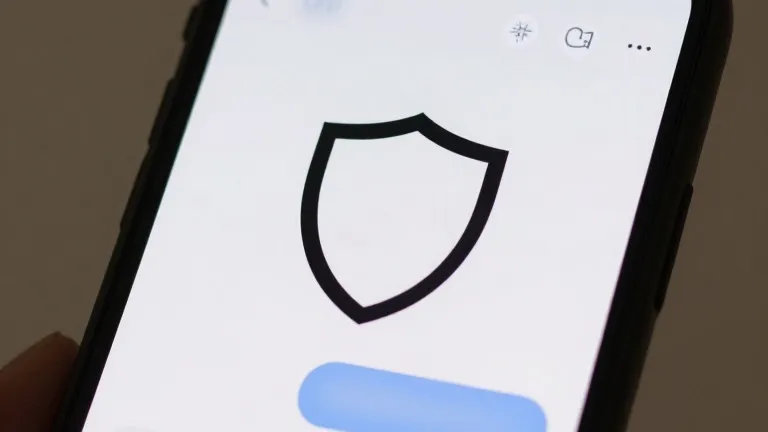
Google Messages for Android is now rolling out an Enhanced Protection mode that relies on cloud-based artificial intelligence to identify spam and scams. The update expands on the existing Standard Protection tier, which previously handled spam filtering and harmful link blocking locally on the user's device.
The core of the new system is a Scam Detection feature powered by Gemini models in the cloud. According to Google, this approach evaluates the broader context of a conversation to determine a sender's intent more quickly than on-device processing. The company states this method is better suited for handling novel and sophisticated attacks from unknown senders.
Privacy concerns are addressed through Android's Private AI Compute system. Messages are encrypted and processed in a secure environment that Google describes as private to the user. The data is not available to other parties, including Google itself, during the analysis phase.
A second component enhances link protection by combining the on-device Gemini Nano model with real-time web signals. This hybrid method assesses the trustworthiness of unfamiliar links before a user taps them. The feature is currently available on the Pixel 10 and newer, the Samsung Galaxy S26 series, the Galaxy Z Flip 8, the Galaxy Z Fold 8, and other select devices.
The update also redesigns warning alerts for links sent by unsaved numbers. These new notifications provide users with more time and context to pause before interacting with a potentially risky connection. Enhanced Protection is an opt-in setting found under Protection and safety in the app's menu, offering three distinct choices: Enhanced, Standard, or No protection, with the last option labeled as not recommended.
The feature was spotted in the latest Google Messages beta, version 20261020_00_RC00, following an announcement made earlier this month.
Source: 9to5Google