Five-item limit hits Gemini chats
Google's latest Android update consolidates scattered settings into a single page and restricts the visible chat history to five entries.
By Layla Edwards ·

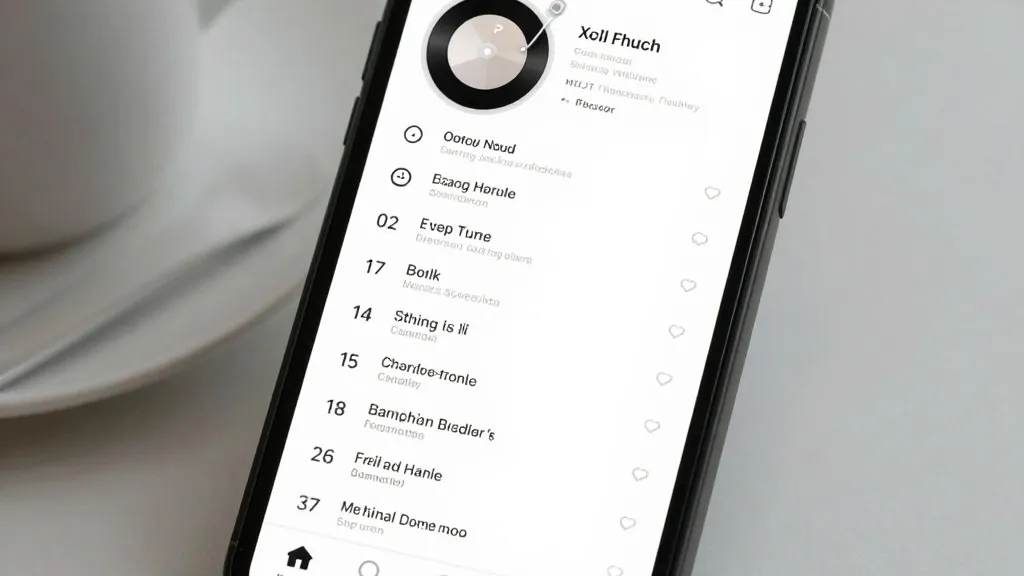
Five. That is the new limit on how many recent conversations appear in the Gemini Android app's side panel. Google is rolling out this restriction alongside a complete overhaul of the app's navigation and settings menus.
The update is delivering via server-side changes, so users do not need to download a new version of the app to see the shifts. The side panel layout has changed significantly. Search now sits in the top-right corner instead of its previous location. New chat is the first item in the list, followed immediately by Library. Previously, Library sat near the bottom of the drawer.
To keep the interface clean, Gemini displays only five recent chats by default. Users can tap a "More" option to expand the full list. For subscribers to AI Ultra, the complete navigation list includes New chat, Library, Images, Scheduled, Daily brief, Customize, Students, Videos, and Gems.
Settings have also been merged. Previously, user preferences were split between the account menu and a separate "Gemini Settings" area. Google has now combined these into one page. The account menu now handles only account switching, feedback, and help requests.
The new unified Settings page begins with Manage account and Usage limits. A Preferences section follows, listing Notifications, Personal Intelligence, Avatar, Task settings, Theme, Skills, Voice, Media, Device controls, Cart and orders, and Gemini Notebook. Theme is the only entry marked as new. The page concludes with Data & privacy and Get support sections.
These changes follow a similar update to iOS, macOS, and the web app released last week. That earlier rollout coincided with the launch of Gemini 4 Argon. Android users are now receiving the broader rollout of these interface changes.
Other recent additions to the Gemini ecosystem include Gemini Notebook becoming a Connected App for deeper integration. Free users are moving to "Auto" models as the app adds thinking levels. A new "Map" tool has also arrived, replacing the "/" shortcut with "@".
Source: 9to5Google