ProtonVPN and NordVPN Add App-Level Routing to Windows Clients
Users can now exclude specific applications from VPN encryption to reduce latency and preserve local network access.
By Yuna Patel ·
ProtonVPN and NordVPN have updated their Windows software to allow users to route specific applications outside the encrypted tunnel. This feature, known as split tunneling, gives individuals control over which data traffic remains protected and which traffic connects to the internet directly.
Virtual private networks encrypt data to hide user activity from internet providers and network peers. However, this encryption can reduce connection speeds and mask a user's physical location. Split tunneling addresses these issues by allowing users to keep sensitive apps, such as banking software, inside the VPN while letting other apps, like online gaming clients or local ticketing services, bypass it.
The update is part of a wider adoption of this feature across consumer VPN services. While many providers offer split tunneling, the implementation varies. The most common method is app-based routing. In this setup, a user selects specific programs to exclude from the VPN. The remaining traffic continues through the encrypted bridge.
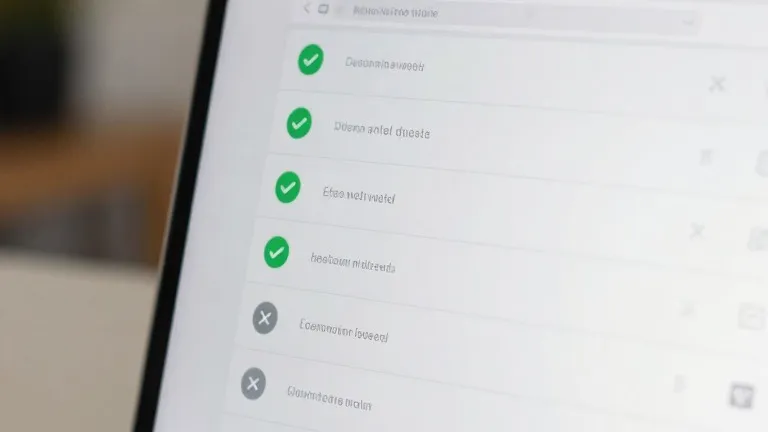
ProtonVPN for Windows now displays a split tunneling link on the right side of the main console. This sits next to options for the kill switch and port forwarding. When enabled, users can choose to include specific apps in the tunnel or exclude them. The default state for unselected apps depends on the user's initial choice.
NordVPN for Windows uses a different interface. Users must click the cog icon in the bottom left corner of the screen and select split tunneling. A toggle switch activates the feature. Once active, users select which applications receive VPN protection. The process on mobile devices is similar, though iPhones often limit users to excluding websites and IP addresses rather than entire apps.
Other routing methods exist, including URL-based and route-based tunneling. These rely on domain names or specific IP addresses. They are less common in consumer software and are typically used for managing networks with multiple users. For the average desktop user, the app-level control in the new Proton and Nord updates provides the most direct way to manage performance and privacy trade-offs.
The setup is generally a one-time task. Users can revisit the settings later to adjust which apps are covered. This allows VPN protection to remain active for security-critical tasks while staying out of the way for activities that benefit from a direct connection.
Source: Wired